The Rise of AI as an Everyday Knowledge Tool
A lot of users now treat a chat box like a general-purpose help desk: product questions, policy checks, setup guidance, even “what should I do next?” It’s not limited to “AI products” anymore. They’ve learned that a single prompt can replace three tabs, a support article, and a half-finished form.
That shifts the baseline for any software that contains information, choices, or configuration. When your search, onboarding, or help center still behaves like a filing cabinet, users feel the gap immediately. They don’t just want results—they want an answer that fits their situation, in plain language, without extra steps.
This expectation arrives before your data, permissions model, and content quality are ready. If the system can’t safely “know” the right context, you need UX cues and copy that make the limits obvious without making the experience feel broken.
Instant Answers and the Expectation of Speed
That’s where users start timing you, even if they never say they are. They type a question, hit enter, and expect something useful to appear in the same moment—not a spinner, not a list of links, not “refine your search.” If your product responds in steps, users read the delay as uncertainty, and they abandon the flow to go ask a chat tool that replies in one screen.
Speed also changes what “good” looks like. A fast, confident answer sets a bar that your slower, more careful experience can’t meet unless you explain why it’s slower. In practice, that means designing for partial progress: show what the system is doing (“checking your plan,” “looking at your last sync”), offer quick follow-ups, and make the “I don’t have enough context” moment feel like a normal question, not a failure.
Low-latency answers usually require caching, precomputed summaries, and clean data boundaries, or the response time and accuracy will swing wildly. Once users learn they can get an instant answer, they’ll expect that same speed everywhere—especially in the workflows that break most often.
The Shift From Searching to Asking
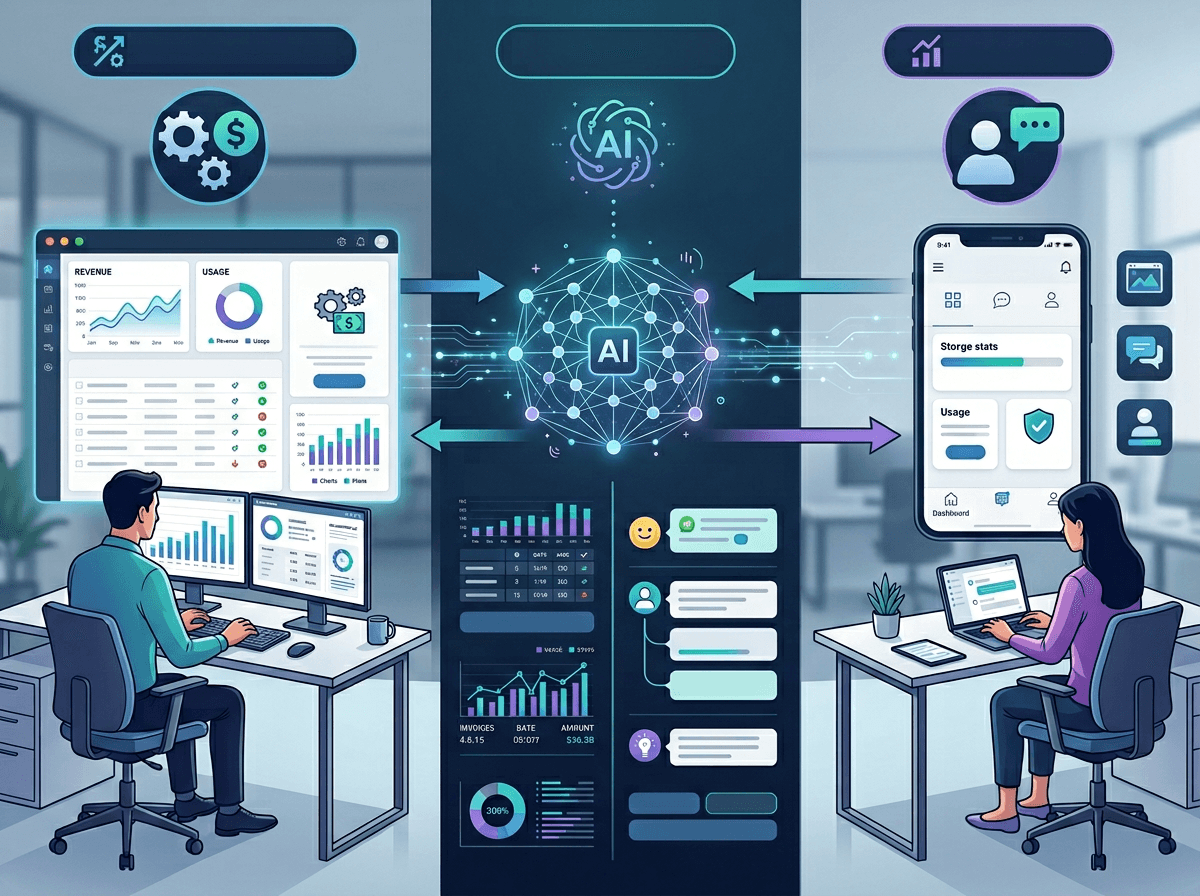
That “same speed everywhere” pressure shows up most clearly when users stop using your product like an index. They don’t think, “Which keyword will find the right doc?” They think, “Can I just ask what I’m trying to do?” If the UI answers with ten links, they read it as extra work, even when the right link is sitting at the top.
Asking also pulls in expectations your search box never had to handle: remembered context, a single best next step, and language that matches the user’s role. A billing admin expects different guidance than an end user. If your experience can’t reliably infer that, make the question do the work with lightweight prompts (“Which workspace?” “Are you an admin?”) and show what you’re using (“Based on your plan and last invoice”).
If you let the product sound sure when it’s guessing, users will act on it. Design the fallback path—sources, “open the doc,” “contact support”—so it feels like a normal branch, not a dead end.
Changing Standards of Accuracy and Trust
That “normal branch” matters because users no longer judge accuracy the way they did with search. A list of links feels like raw material, so people expect to verify. A chat-style answer feels like a decision, so people tend to treat it as correct unless you give them a reason not to.
In practice, trust now comes from signals, not just outcomes. If you can show where an answer came from (“pulled from your last three tickets” or “from the admin policy doc updated March 3”), users calibrate fast. If you can’t, they’ll still use the answer, but they’ll blame the product harder when it’s wrong because the interface sounded confident.
Citations take space. Clarifying questions add steps. And safe guardrails (“I can’t access that workspace”) can read like the product being unhelpful. The job is to make uncertainty visible without making the experience feel unreliable—which is why the next design choice is how much complexity you hide versus teach.
How AI Simplifies Complexity—and What That Means for Learning

In most products, a user hits a confusing moment—permissions, settings, a weird error—and they either learn the mental model or they bounce. Chat-style help changes that. Instead of forcing the user to understand your structure (“workspaces,” “roles,” “policies”), the product can translate the situation into a few steps that seem obvious: click here, toggle that, rerun the sync.
That simplification is great for completion rates, but it also reduces the learning that used to happen through friction. If the assistant always compresses a workflow into “do X,” users don’t build durable understanding of why X works. The next time the context changes—different plan tier, different admin policy, a new integration—they still expect the same one-shot fix, and they feel misled when it doesn’t transfer.
Design for “do it now” and “learn it lightly” at the same time. Pair the action with a short reason (“this role can’t export”), and offer a “show me where this lives” path. The next question becomes how much users should lean on that guidance at all.
The Risk of Over-Reliance on AI for Knowledge
That “how much should I lean on this” moment usually shows up when a user stops checking anything. They take the chat answer, paste it into a workflow, and move on—especially when it’s phrased as a single best next step. If the answer is slightly off (wrong workspace, outdated policy, missing permission), the user doesn’t just hit an error; they lose time and confidence because the product sounded sure.
Over-reliance also changes how users report problems. Instead of “I can’t export,” you’ll get “the assistant told me to change X,” which can send support and PMs chasing the wrong root cause. In regulated or money-moving flows—billing changes, access grants, data deletes—this gets expensive fast.
The guardrail is simple but not free: make high-impact answers earn trust. Show sources when you can, force a confirm step on risky actions, and make “I’m not sure” feel normal. The next challenge is what this does to expectations over the long run.
The Future of Human Knowledge in an AI-Shaped World
Over the long run, users won’t just expect answers—they’ll expect the product to remember, predict, and stay consistent across surfaces. If a chat response says “you’re on the Pro plan,” the pricing page, checkout flow, and support macros need to agree, or the assistant becomes the thing users argue with. That means your knowledge layer can’t live only in UX copy; it has to connect to real product state, permissions, and change logs.
The practical shift is to design “confidence with brakes.” Use plain-language certainty only when the system can verify, and otherwise keep answers useful but bounded (“Here’s what I can see,” “Here are the options”). This will add work: instrumentation, content governance, and a way to retire outdated guidance. Build that muscle now, because users will keep raising the baseline.