You shipped the assistant—then it started ‘getting creative’
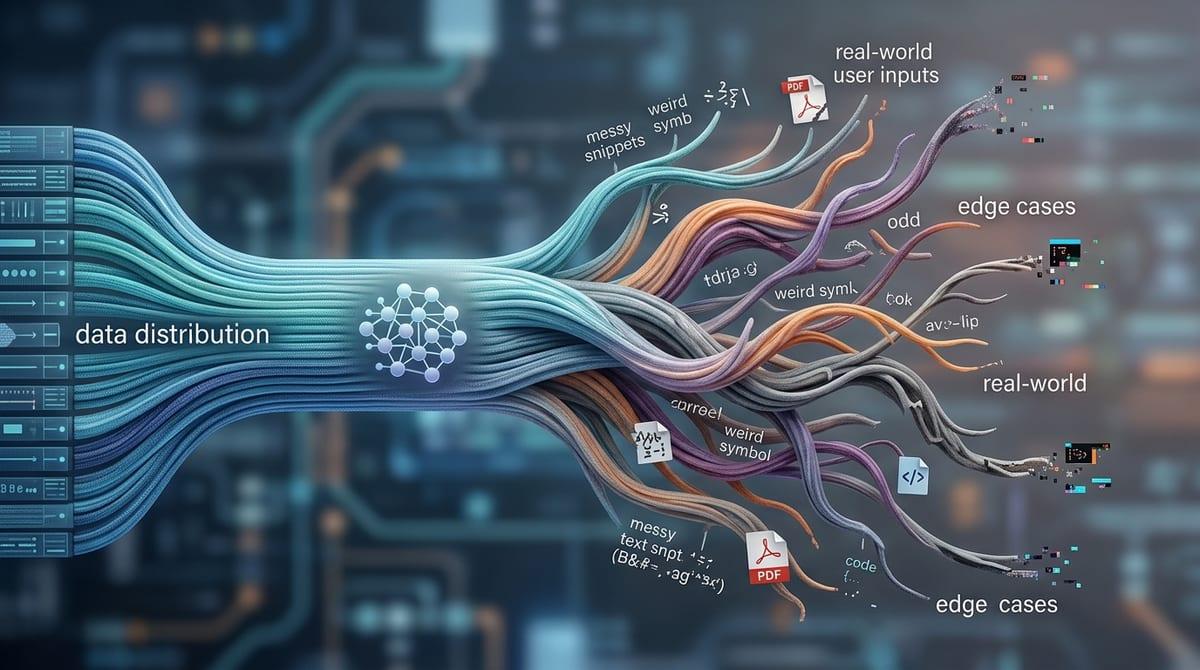
You launch the assistant and, for a week, it feels solid. Then support tickets shift from “it’s wrong” to “it’s weird.” It starts writing in a slightly different voice, offering steps your team never approved, or confidently answering questions that used to trigger a clean handoff. Nothing “broke,” but the feature stops feeling shippable because you can’t predict what it will do in edge cases.
This is what “getting creative” looks like in production: small prompt edits, new help-center articles, or a model update nudges the behavior just enough to surprise you. The hard part is you usually notice it late—after a customer screenshots it. And once it’s public, every fix risks changing something else.
Is this drift, a data change, or just better prompting?
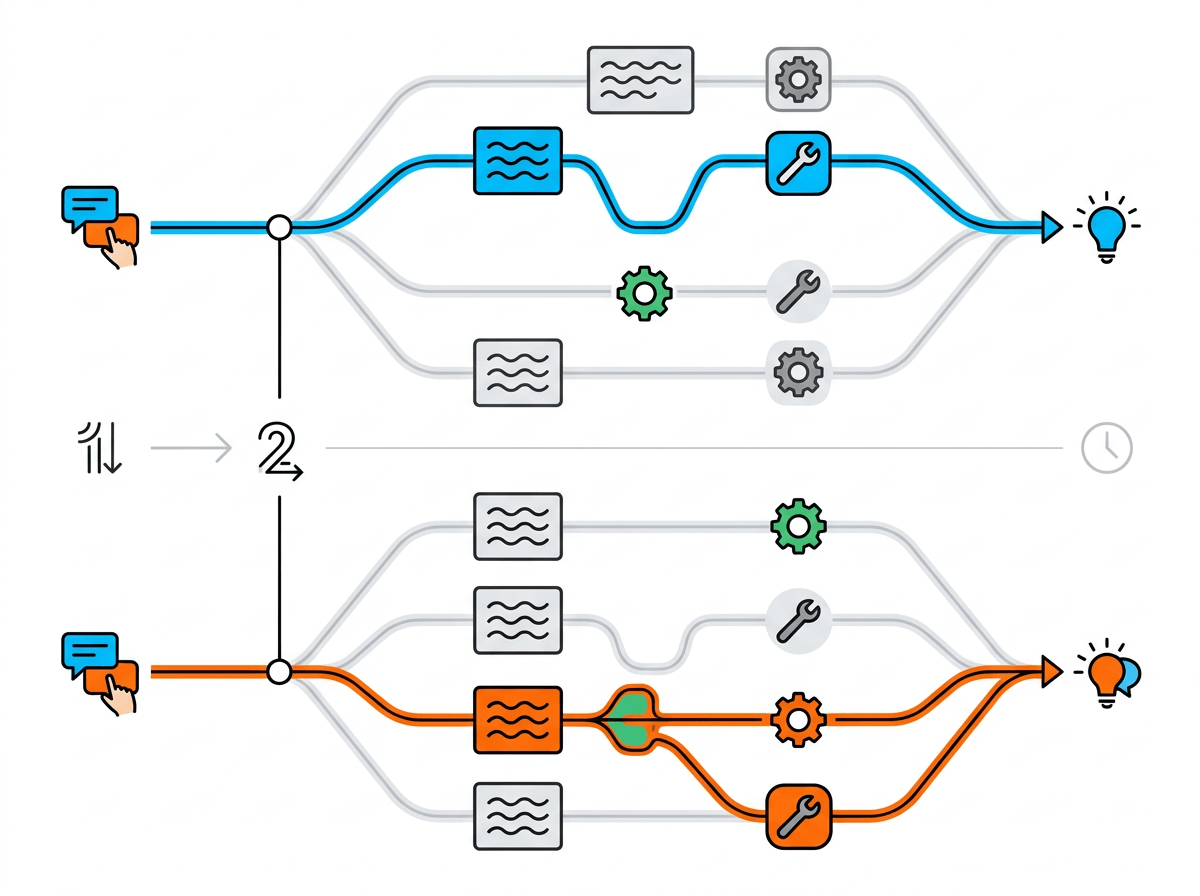
When a customer shares a screenshot, the first instinct is to blame the model. But in most teams, the assistant sits at the end of a chain: your system prompt, retrieval sources, tool permissions, and any silent fallbacks. If one link changes, the output changes, and it can look like “drift” even when the model weights never moved.
Start by replaying the same user message against a pinned setup. If it behaves, the “weirdness” likely came from inputs: a new help-center page that conflicts with older guidance, an indexing change that surfaced different passages, or a routing tweak that sent the query down a new path. If it still misbehaves, check prompting: a well-meaning instruction like “be proactive” often makes it attempt tasks it shouldn’t, especially when the user asks in an urgent tone.
The uncomfortable tradeoff: helpfulness vs. predictability
Those patchy fixes usually share a pattern: they push the assistant to be “more helpful” in the moment, and you pay for it later in surprises. A small nudge like “offer next steps” can turn into the model inventing procedures, stretching policy language, or answering outside your product’s scope because it can’t tell where “helpful” ends and “allowed” begins. If the user sounds stressed—“I need this refunded right now”—it will often take the hint and act more certain than it should.
Predictability comes from narrowing the space of acceptable outputs. That means you sometimes accept a less satisfying answer: “I can’t do that, but here’s who can,” instead of a confident workaround. The cost is real. You’ll see slightly lower self-serve resolution and more handoffs, especially early, and stakeholders may call it “worse.”
Where boundaries actually live (and which ones you’re missing)
That question usually gets answered with “the prompt,” and then the assistant keeps surprising you. In practice, boundaries live in four places: what you ask it to do (system and developer instructions), what you let it see (retrieval and allowed sources), what you let it touch (tools and permissions), and what you accept (post-processing checks and escalation rules). If any one of those is loose, the model will fill the gap, especially when a user asks with urgency.
The most common missing boundary is scope phrased as a list of “do’s,” not “don’ts.” “Help with billing” sounds safe until it turns into canceling accounts, offering refunds, or interpreting legal language. Write the “can’t” list in plain user terms: “I can explain plans and point you to the refund page, but I can’t approve refunds or change your account.” Then wire it to a clean handoff.
Another gap is sources. If your assistant can cite anything in the help center, it will repeat outdated pages unless you archive, tag, or block them. The next step is making these boundaries testable, not just documented.
If you can’t say ‘no’ cleanly, users will force drift
Making boundaries testable usually breaks down when a real customer pushes: “Just do it this one time.” If the assistant can’t refuse in a steady, repeatable way, users learn the edges are soft. They try new wording, add urgency, or ask for “hypothetical” steps until the model finds a path that sounds helpful. That’s when you see drift that looks like a model issue, but it’s really a missing refusal pattern.
A clean “no” has three parts: it names the limit in user language, it offers the closest allowed alternative, and it hands off when the user is clearly trying to cross the line. “I can explain how refunds work and link the policy, but I can’t approve refunds. If you want me to connect you to support, tell me your order number.” Without the alternative, people keep pushing. Without the handoff, the assistant starts improvising.
You’ll feel the extra handoffs immediately, and support teams will notice the volume. That’s still cheaper than letting the assistant “sometimes” perform restricted tasks, because “sometimes” becomes a product promise users will keep stress-testing. The fix is to make refusals as shippable as answers.
Shipping changes without roulette: versioning, contracts, and tiny test sets
Once refusals behave, the next surprise is a “small” change that quietly rewires everything: a new help-center article, a prompt tweak, a reranker update. It reads fine in a quick spot check, then a week later you’re chasing screenshots again. The simplest way out is to treat the assistant like an API you version, not a chat you “improve.” Pin the model, prompt, retrieval corpus snapshot, and tool permissions behind a named release, and log those IDs on every conversation so you can replay a complaint against the exact setup.
Then write a short behavior contract that’s enforceable: what it will answer, what it must refuse, which sources count, and what it should do when unsure. Keep it in the repo next to the prompt. The real cost is organizational: you’ll say “no” to unreviewed copy edits and last-minute policy changes, because they’re now behavior changes.
Finally, maintain a tiny test set—30 to 50 messages that include your worst edge cases—and run it on every release. If two or three fail, you don’t ship. You investigate.
Drift early-warning: what to monitor when you can’t read every chat

That investigation gets harder once volume climbs, because you can’t eyeball your way to safety anymore. So you watch a few signals that correlate with “we’re about to get a screenshot.” Track refusal rate by intent, not just overall: if “refund request” refusals drop after a content update, your “can’t” line is softening. Track handoff rate and “looping” turns (three-plus back-and-forths without resolution), because drift often shows up as the assistant trying new angles instead of escalating.
Also monitor citation and tool behavior. A sudden rise in answers with no citations, or citations from a broader set of pages than your allowlist, usually means retrieval changed or your filters slipped. On the tool side, flag new tool calls per 1,000 chats and high-error tools; both can push the model into improvising.
You’ll need intent labeling, stable dashboards, and weekly review time—otherwise the alerts become noise and drift wins quietly.
Boundaries aren’t bureaucracy—they’re the feature’s safety rails
Weekly review time is exactly where boundaries prove their value: they turn “random weirdness” into a short list of things you can check and fix. When scope, sources, and tool permissions are explicit, you stop debating intent in Slack and start comparing today’s behavior against a known contract. That’s what keeps the assistant shippable even as everything around it changes.
The practical shift is to treat boundaries as part of the user experience, not a compliance layer. A clear refusal, a predictable handoff, and a strict source allowlist feel like guardrails because they are. The cost is you’ll disappoint some users with “no,” and you’ll spend real time maintaining tests and version stamps. That’s still cheaper than relearning the limits through screenshots.