When AI makes learning feel fast—but not solid
You paste a problem into an AI assistant, get a clean answer in seconds, and it feels like progress. Then you face a similar task on your own and freeze, because you never had to decide what to try, what to measure, or what to change.
The speed is real, but it can skip the part that builds judgment. AI can hand you a working snippet, a polished paragraph, or a confident explanation that’s slightly off. If you accept it without testing, you learn the output, not the reason it works.
What are you actually trying to get from trial-and-error right now?
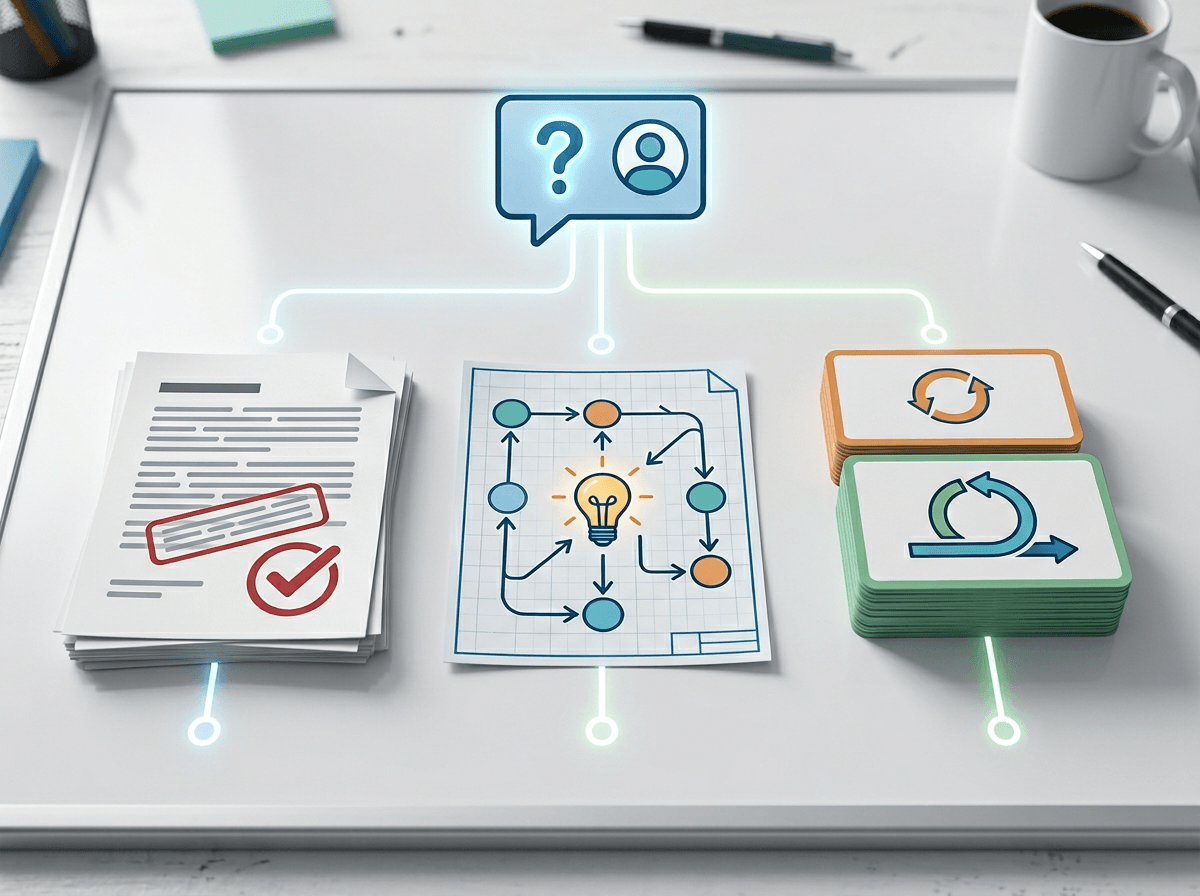
That temptation to ask for the answer usually shows up when you want one of three things: to finish the task, to understand the idea, or to build a habit you can reuse. If you don’t pick which one, AI will default to “finish,” because that’s what it’s best at.
Try naming the payoff before you prompt. If you need a deliverable by 5 p.m., ask for options, risks, and a recommended path, then you decide. If you’re trying to understand, ask for two different approaches and why each works, then explain it back in your own words. If you’re building skill, ask for a small exercise that forces you to make the key decision (like choosing a data structure, a headline, or a layout) without seeing the final.
This takes a little longer up front, and it can feel slower than copying a clean answer. But it’s the difference between borrowing competence and keeping it.
The moment you should not ask for the answer
That “borrowed competence” feeling usually shows up right when the work turns from typing to choosing. You’ve got a few plausible moves, you’re not sure which matters, and asking for the answer feels like relief. That’s the moment to pause, because the choice you’re avoiding is often the lesson: which assumption to test, which constraint to respect, or which failure mode to watch for.
If you let AI pick here, you lose the chance to build your own internal checklist. In code, it’s when you need to decide how you’ll represent the data before writing functions. In writing, it’s when you need to pick the claim and evidence before polishing sentences. In analysis, it’s when you need to choose what “good” means before running numbers.
You may spend 10 frustrating minutes and still pick wrong. Ask AI for the answer only after you’ve made a first call and can say what you tried, what happened, and what you’ll change.
Turning a vague task into a 10-minute experiment loop
After you’ve made that first call, the next risk is drifting into random tweaks: you change three things, hope it works, and can’t tell what caused the improvement. A tighter loop starts by shrinking the problem until you can run one clean test in about ten minutes.
Pick one “lever” and one “signal.” The lever is the single change you’ll make; the signal is what you’ll check to decide if it helped. In code, the lever might be “use a map instead of a list,” and the signal is “does lookup time stop spiking on a 10,000-item test?” In writing, the lever might be “lead with the recommendation,” and the signal is “can a colleague summarize the point after the first paragraph?”
Then prompt AI like a lab partner, not a finisher: “Here’s my current approach and constraint. Give me two alternative levers to test next, plus the quickest way to measure each.” Keep the measurement in your hands. Sometimes you’ll hit a wall anyway—setting up a test harness, finding a reviewer, or getting real data takes longer than ten minutes—and that’s still useful information to log before you widen the loop.
Feedback that sharpens your thinking (instead of rewriting your work)

That “log before you widen the loop” habit matters most when you ask for feedback and get a rewrite back. It looks helpful, but it hides the exact decision you’re trying to learn. Instead, give AI something it can critique without taking the wheel: your goal, your constraints, and one specific artifact (a function, a paragraph, a chart) plus the signal you’re watching.
Then ask for feedback in a form you can act on: “Point out the top three weak assumptions,” “Where would this break under a realistic edge case?”, “What’s the simplest counterexample?” or “What would you test first to validate this?” If you’re coding, you want failing inputs and why they fail. If you’re writing, you want missing evidence and the one sentence that would make the claim falsifiable.
Targeted critique can feel worse than a polished rewrite. And AI will still sometimes nitpick style or invent problems. Keep it honest by requiring receipts: “Quote the line you’re reacting to, name the issue, and suggest one minimal change to test.”
Can you trust this result, or did AI just sound confident?
Requiring receipts helps, but you still hit the same moment: the feedback sounds sure, the output looks clean, and you’re tempted to treat that confidence as proof. In practice, “trust” comes from whether the result survives a quick check that you control. If it’s code, run one small test that should fail if the logic is wrong. If it’s writing, ask one real reader to restate the claim and name the evidence they saw. If it’s analysis, change one assumption and see if the conclusion flips.
Use AI to generate these checks, not to grade itself: “Give me three edge cases that would break this,” “What’s the simplest counterexample?”, “What would make this recommendation unsafe?” Then pick one and execute it. The downside is time and access—good validation can require data, a stakeholder, or a test harness you don’t have yet—so start with the cheapest falsification you can run in five minutes.
Leaving each session with transferable skill (not just a finished artifact)
Extracting what you can reuse usually gets skipped because shipping feels like the finish line. Before you close the tab, write down three things: the decision you made, the signal that told you it worked, and the failure mode you’ll watch for next time. For example: “Switched to a dictionary because lookups spiked,” or “Led with the recommendation because readers missed the point.”
Then run a quick “no-AI replay.” Redo the key step from scratch without looking, even if it’s only a small version. If you can’t, you didn’t learn it yet—you copied it. This adds five minutes and feels annoying when you’re tired, but it’s how the skill survives the next task.
Store the takeaway as a tiny checklist or template you can paste later, and start the next session with it.