When the AI answer feels “too clean” to be true
You paste a messy question into an AI tool—“Which customers should we prioritize?” or “What’s the right SLA?”—and get a crisp answer with tidy bullets. It reads like a decision has already been made. In a mid-size org, that kind of clarity is tempting because you have a backlog, a queue, and not enough time.
Clean output often means the tool quietly picked a frame: which goal matters most, which data counts, and which exceptions don’t. If your inputs are incomplete or biased (like last quarter’s churn notes or uneven tagging in Zendesk), the answer can still sound confident while steering you toward the wrong thing.
Before you paste data into a prompt: what decision is actually being made?
Naming the decision sounds obvious until you’re staring at a prompt box and a folder of exports. A PM pastes a churn list and asks, “Which customers should we save?” An ops lead drops in ticket stats and asks, “What should we automate?” The tool will pick a default goal—usually speed, volume, or cost—unless you tell it what “good” looks like.
Force the choice into a sentence a human could sign. “We’re deciding which 50 accounts get CSM time this month to protect $X in renewals, while keeping onboarding from slipping.” Or: “We’re deciding which ticket types get self-serve first to cut median handle time without increasing repeat contacts.” If you can’t write that, you’re not ready to paste data.
This takes time you may not have, and it can surface disagreements you’d rather avoid. That’s still cheaper than optimizing the wrong target for two quarters. Once the decision is explicit, you can see what a summary would flatten.
A summary can be correct—and still mislead: spot what got flattened
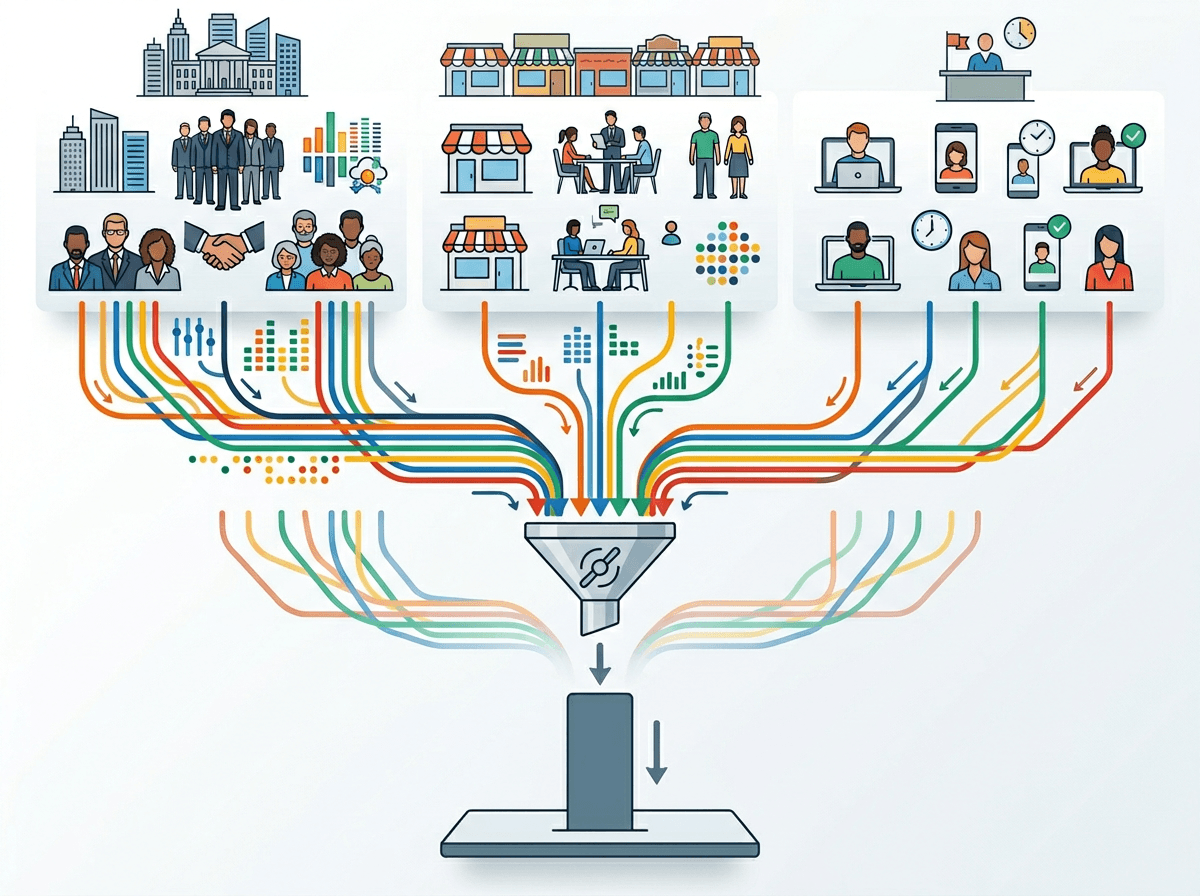
That flattening usually shows up the moment you ask for “a quick summary” of messy input—call transcripts, churn notes, ticket tags—and the output comes back tidy. Nothing is technically wrong, but the summary quietly averages the situation. One loud segment becomes “most customers.” A short-term issue becomes “a trend.” A constraint like “only enterprise has SSO” disappears because it doesn’t fit the main storyline.
Look for what got compressed into a single label: “pricing concerns,” “slow support,” “low adoption.” Then force it back into parts. Which customer type said it, how often, and in what moment (pre-renewal, post-incident, during onboarding)? If the model can’t separate those, you’re not looking at a summary—you’re looking at a guess dressed up as clarity.
Re-expanding the summary takes effort, and it can feel like you’re undoing progress. Do it anyway, because the next section depends on asking the follow-ups that make the hidden assumptions visible.
The uncomfortable follow-ups that surface assumptions (without starting a debate)
Those follow-ups usually happen right when someone wants to copy the answer into a doc and call it done. Instead of arguing with the output, treat it like a draft decision memo and ask questions that force it to show its math in plain language.
Start with: “What would have to be true for this to be the best choice?” Then pin down the goal it assumed: “Is this optimizing for renewals, margin, support load, or time-to-value?” Make it name who gets helped and who gets hurt: “Which segment loses under this plan?” Ask what it ignored: “What data didn’t you have that would change the recommendation?” If it cited patterns, demand boundaries: “In which cases does this not apply—new customers, enterprise, a specific region, a specific channel?”
In a meeting, these questions can sound like a challenge to the person who brought the AI output. Phrase them as risk checks: “Before we ship this, where could it break?” Once you have those failure modes, you can decide what guardrails are worth the extra time.
Reality check time: where would this recommendation break in your org?
That “where could it break?” question gets real when you picture Monday morning, not the slide. The recommendation looks fine until it hits the parts of your org that don’t behave like the average: one sales pod that over-discounts, one support queue with messy tags, one region with different compliance rules, one product area with power users who never file tickets.
Run a quick failure scan against your actual constraints. If this is a prioritization call, ask: what happens when a top account has a renewal in 10 days but the assigned CSM is out, or when the only engineer who knows the integration is already on incident rotation? If this is an automation plan, ask: which “simple” tickets turn complex after one reply, and what’s the cost of a wrong auto-close (refunds, churn risk, legal escalation)?
To answer these, you often need someone to pull a sample, check edge cases, or admit the data is too noisy. That work is the point—because it tells you what guardrails you need, and how tight they should be.
Choosing guardrails that match the blast radius

That “how tight should they be?” question shows up when you decide whether an AI output is a suggestion, a draft, or an action. If the result only changes how you route a few low-stakes tickets, you can tolerate some misses. If it changes who gets renewal attention, which refunds get approved, or what gets escalated to legal, you need gates that slow the handoff from “answer” to “decision.”
Match the guardrail to the damage a wrong call can cause. Start with scope limits: only run on a defined segment, only propose options (not final picks), and only from a fixed, reviewed dataset. Add human review where the cost is real: sample-based checks for low risk, two-person signoff for policy changes, and “must cite source fields” when the output claims a pattern. A common snag is capacity—your best reviewers are already overloaded—so build a smaller lane you can actually police, then expand it.
Using AI to keep complexity visible (and decisions faster)
Those messy parts don’t have to slow you down if you use the tool to keep them on the page. Have it produce a “decision packet,” not a single recommendation: the top 2–3 options, the assumed goal, the key constraints it used, and the “this breaks when…” list. Then require a short table of segments and edge cases (new vs. mature accounts, enterprise vs. SMB, high-touch queues vs. self-serve) with what changes for each.
Use it to generate the checks you were going to skip. Ask for a 20-item spot-check sample with fields to verify, and a one-screen rubric a human can apply in five minutes. The snag is discipline: teams stop running the checks when the queue spikes. Make the packet the only format that gets shared, and speed shows up without the false simplicity.