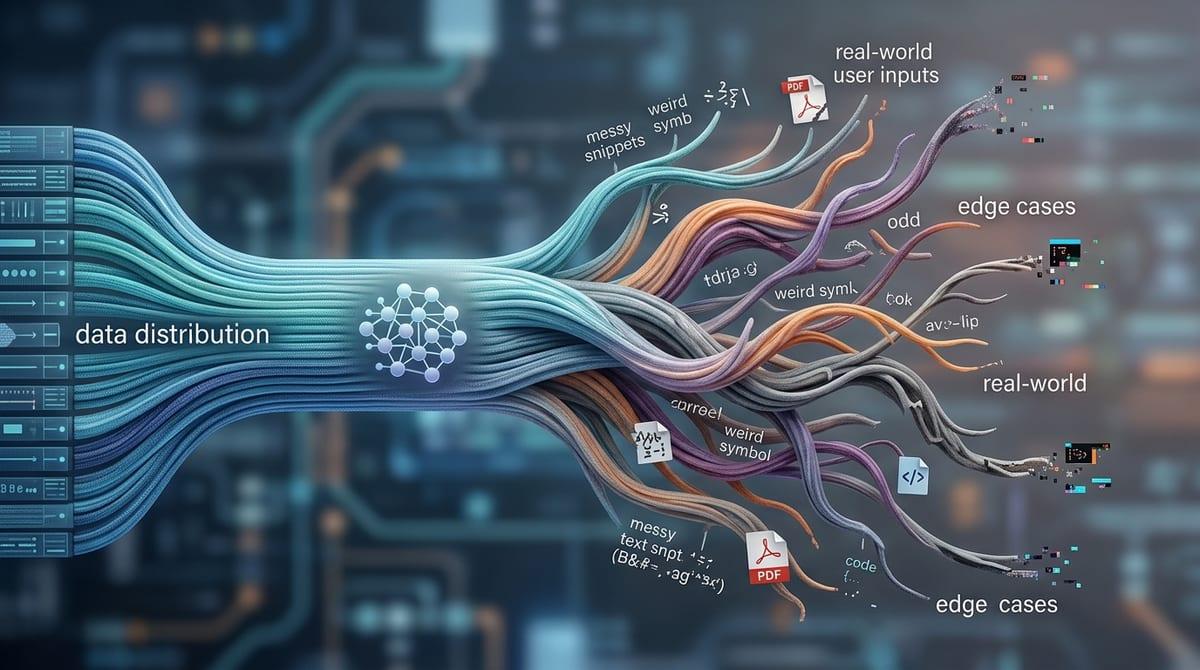
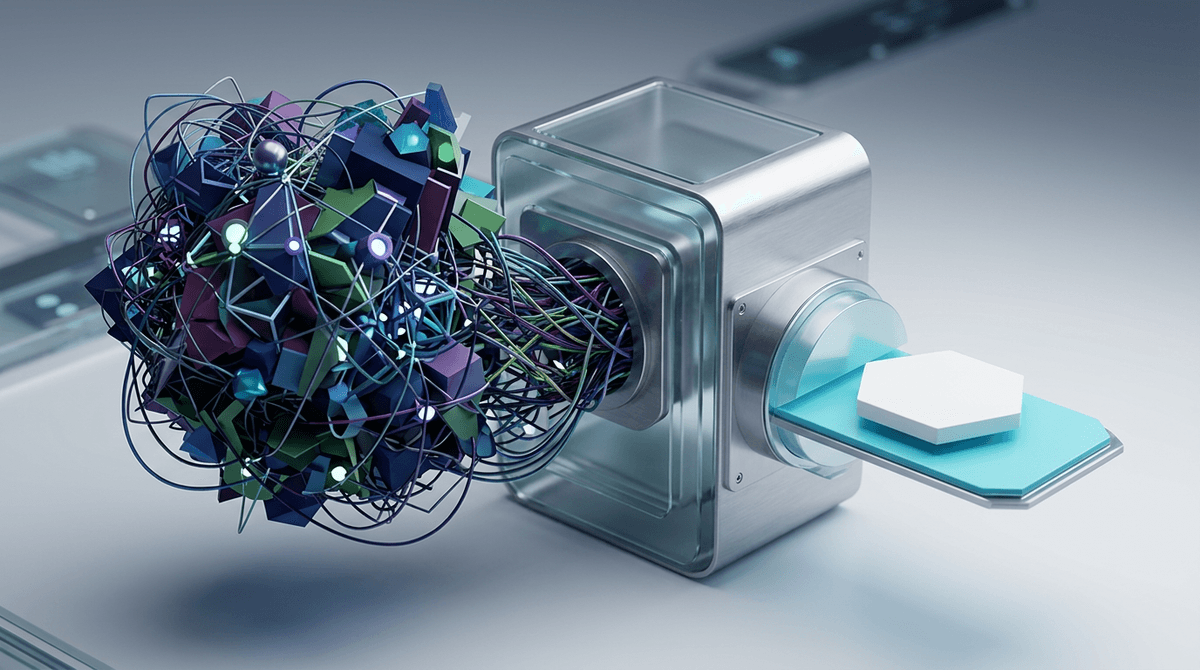
You’re faster now—so why does it feel riskier?
You add an AI assistant to daily ops and suddenly the backlog moves. Tickets get labeled, replies get drafted, approvals get teed up in minutes. Then a new worry shows up: it feels like there’s less time to notice what’s missing.
That feeling is rational. In most teams, the “delay” between request and action isn’t just waiting—it’s where someone spots a bad assumption, remembers a recent customer escalation, or asks one more question before a change ships. When you compress that gap, you don’t just save time; you remove a safety catch that used to fire for free.
Some choices only needed better prep. Others needed real thinking time—and if you treat them the same, you’ll move faster right into mistakes that are expensive to unwind.
Spot the decisions where time is doing real work
If you treat every ops decision as “faster is better,” you’ll notice the same pattern: the team moves quickly, then spends hours cleaning up. That’s usually a sign that the old delay wasn’t idle time. It was doing work—checking context, forcing a second set of eyes, or letting new information arrive.
Look for decisions where time changes the inputs. If a customer is upset, a one-hour pause might surface a churn risk note, a recent outage, or a parallel thread in Slack. If you’re approving an exception, a day might bring finance’s numbers or a legal concern. Those are not “nice to have” details; they change what a good choice looks like.
A quick test: ask, “If we decide now, what might we learn in the next 30 minutes that would make us choose differently?” If the answer is concrete, protect that time—and only let AI compress the prep around it.
When AI should compress prep, not the decision

That’s the line to hold: protect the time when new information can still change the call, and squeeze everything else. In practice, the “everything else” is usually prep—finding the right ticket history, pulling account notes, summarizing the last three customer emails, listing policy constraints, and drafting two or three response options. That work is slow, repetitive, and easy to standardize, which is exactly where an AI assistant can help without stealing judgment.
If the decision is reversible, let AI compress the path to action. A refund within a clear policy, a routine access request, a standard outage update—these often fail because someone missed a detail, not because the choice required deep debate. Have the model surface the relevant facts and a recommended next step, then require a human to confirm the key inputs before sending.
If the model’s summary hides a weird edge case, your team will approve faster and notice later. That’s why the “pause” moves from waiting to checking: quick, intentional review that sets up the triage moment when the model is wrong.
A real triage moment: what happens if the model is wrong?
That triage moment shows up when the draft looks clean, the recommendation sounds reasonable, and you feel the clock pushing. Someone hits “approve,” and the mistake isn’t obvious until it’s already customer-facing: the model missed a prior credit, pulled the wrong account tier, or summarized a thread but dropped the one sentence that changed the meaning.
So run a quick “wrong-model” drill on the decisions you want to accelerate. If the model is wrong in a small way, what breaks? If it would cause a customer trust hit, a policy violation, or a change that’s hard to roll back, you need a checkpoint that inspects source inputs, not just the model’s output. Concretely: require links to the exact tickets, emails, and policy lines used, and make the approver click through at least one primary source before sending.
It can feel slower than your old process at first, and people will try to skip it when queues spike. That’s why the checkpoint needs clear “must-check” fields and a simple rule for when to escalate.
Build review tiers that don’t reintroduce the bottleneck
Those “must-check” fields are where review can either save you or jam the whole line. If every AI-assisted decision needs the same senior sign-off, you’ll just rebuild the old bottleneck—only now it’s a queue of polished drafts waiting for one person to click approve.
Instead, set review tiers based on blast radius and reversibility. Tier 1: routine, low-impact actions where a peer confirms two or three source links and the required fields (account tier, prior credits, policy clause) match. Tier 2: anything that touches money, access, or commitments—still fast, but it requires a designated approver to open at least one primary source and check the model’s rationale against it. Tier 3: rare, high-stakes calls (legal exposure, churn-risk accounts, security exceptions) where you slow down on purpose and schedule a short synchronous review.
If Tier 2 always routes to the same manager, you’re stuck. Rotate approvers, cap what can land in Tier 2 per shift, and you’ll have room to define the escalation triggers that actually get used.
Escalation triggers your team will actually use under pressure
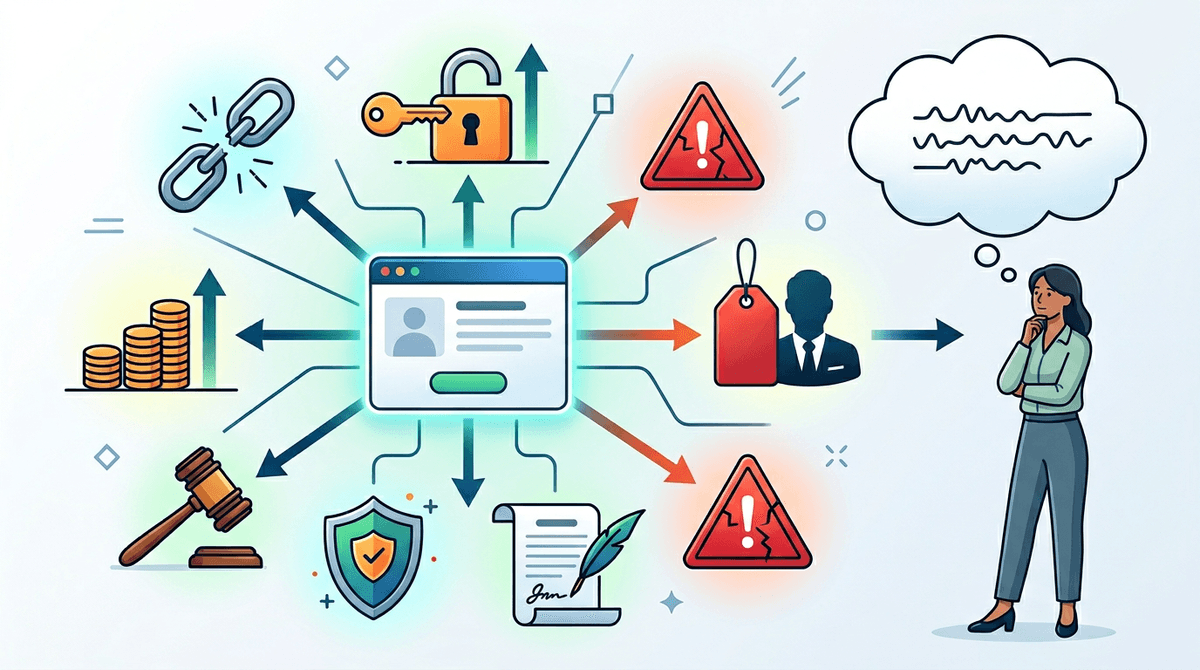
When queues spike, nobody has time to debate whether something “feels risky.” They need a small set of triggers that force a handoff even when the draft looks fine and the customer is waiting. If the rule is fuzzy, people will keep it in Tier 1 or Tier 2 and hope for the best.
Make the triggers concrete and easy to spot: missing or conflicting source links, any request that changes access levels, any money decision above a set dollar amount, any mention of “legal,” “security,” “contract,” or “breach,” and any account tagged churn-risk or executive. Add one behavioral trigger too: if the approver can’t explain the decision in one sentence without quoting the model, it escalates.
This will slow you down in the moments you most want speed, and you’ll take heat for it. That’s why the next step is deciding where you intentionally add waiting time so the escalation isn’t just a handoff into another rushed decision.
Where you add intentional waiting—and how to defend it
That “handoff into another rushed decision” is what you prevent by adding waiting where new information is likely to arrive. Put a hard hold on Tier 3 items: “sleep on it” overnight for contract exceptions, a 30–60 minute cooling-off window for angry-customer escalations, and a same-day sync for security or legal keywords. During the hold, AI can keep working: pull source links, list open questions, draft two options with explicit downsides.
You’ll get pushback because waiting looks like delay. Defend it with a simple standard: “We’re not waiting for time; we’re waiting for inputs.” Track a few metrics—rework hours, reversals, escalations after send—and use them to justify the pause when speed pressure hits again.