You ship the prototype—and users still call it “laggy”
You demo the prototype and the AI “works,” but the first feedback lands anyway: it feels laggy. People don’t file a bug for “average latency.” They feel the pause between speaking and hearing a reply, the beat where the camera view freezes before a label appears, the moment a suspicious transaction slips through and the warning arrives late.
What makes this hard is that your team can point to a fast model, a decent network, and a modern phone—and still lose the argument in a user test. The experience is judged end-to-end, and the slowest step sets the tone. Even worse, the slowdown can move around depending on time of day, device, or queueing on your own servers.
Before you optimize anything, you need to name the moments that actually break when you’re slow—because not every “real-time” feature has the same cliff.
Which real-time moments actually break when you’re slow?
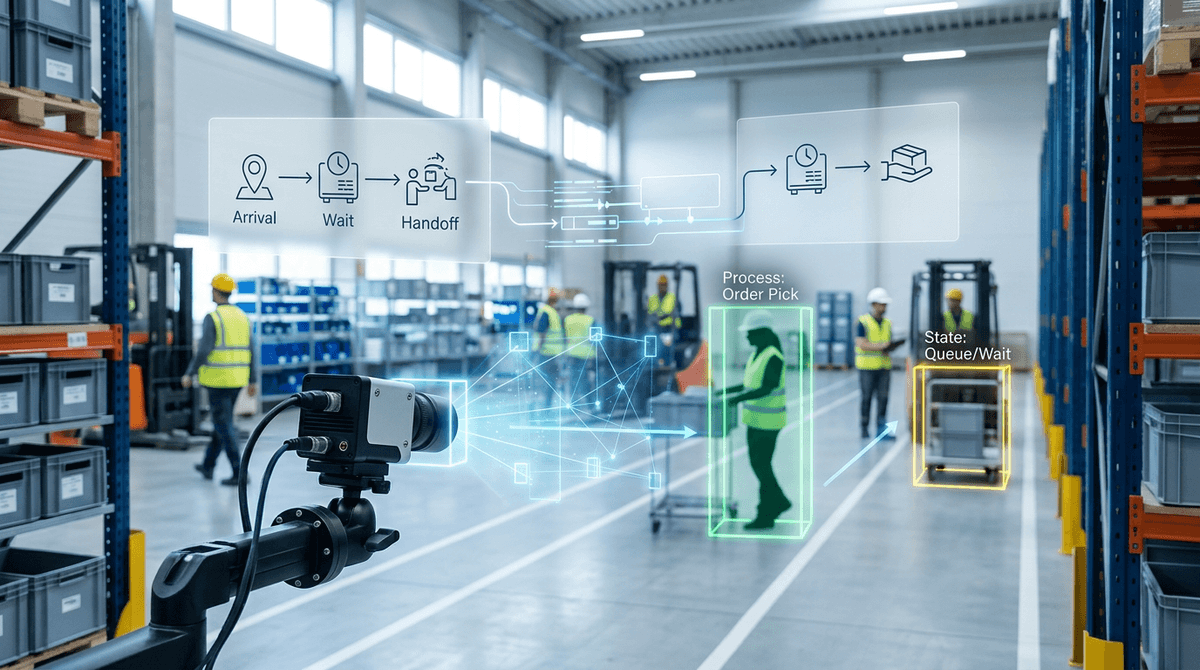
Those breaking moments show up when a user is already mid-action and can’t “wait it out” without losing the thread. In voice, it’s turn-taking: if the assistant takes long enough that people start repeating themselves or talking over the reply, the interaction falls apart. In camera-based features, it’s the instant you pan to a new object and the overlay or label trails behind the view; users stop trusting what they see because it’s describing the past.
Recommendations break in a different way. If the list updates after a scroll, a tap, or a checkout step, the suggestions feel random and get ignored. Fraud and safety systems have the hardest constraint: once the risky action completes, a late warning isn’t just annoying—it’s useless. That’s why “fast enough” depends on the moment you’re protecting, not the model you picked.
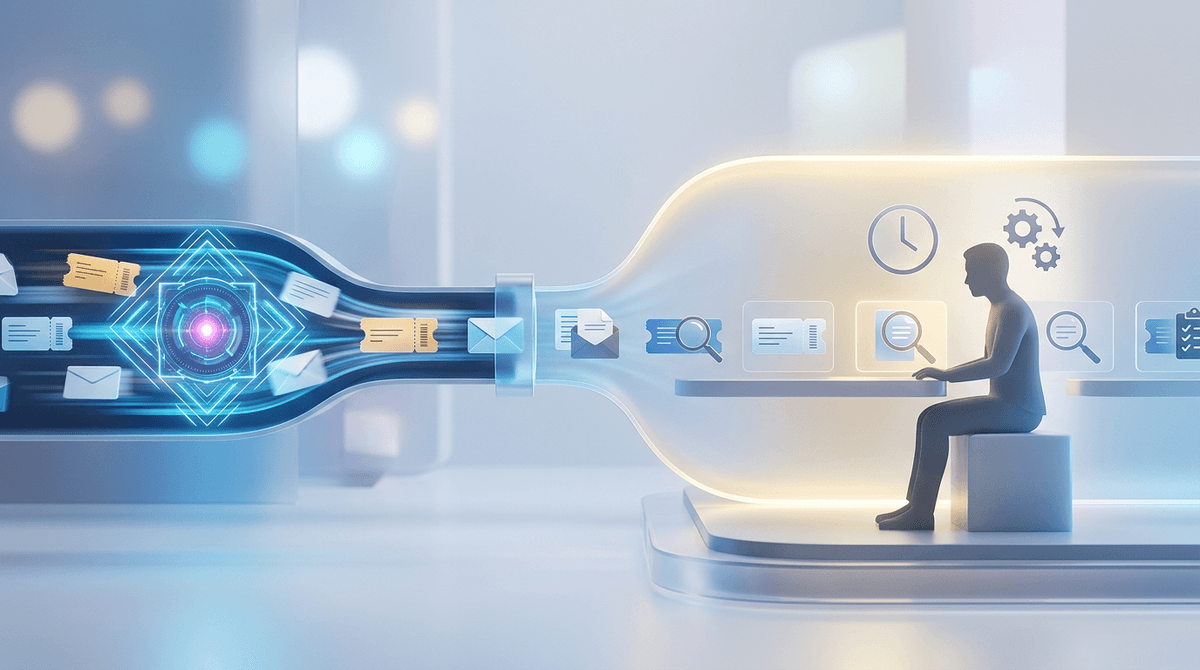
The catch is that users experience all of this as one pause, even when it’s really several small waits chained together.
What users experience isn’t one delay—it’s a chain of small waits
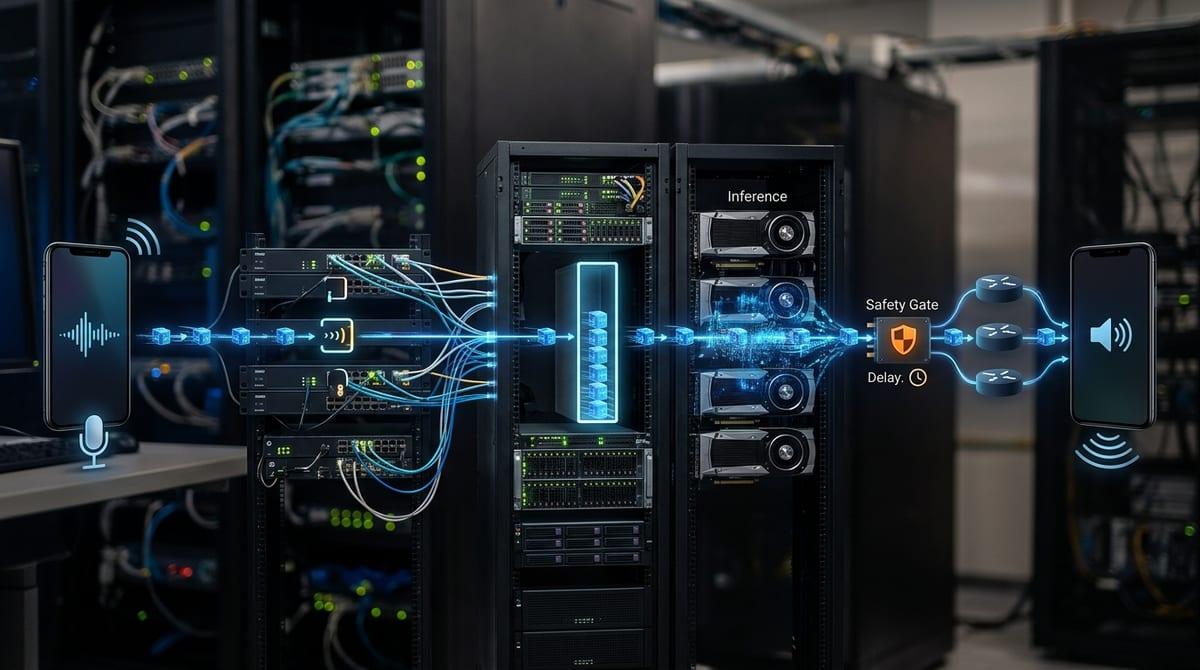
That “one pause” usually starts earlier than your model call. A user speaks, and the app waits for endpointing or VAD to decide they’re done. Audio chunks upload. A queue slot opens. Inference runs. Then you still have post-processing, safety checks, and text-to-speech before anything comes back. Each piece can be “pretty fast” and still add up to a response that feels late.
This is why teams get stuck arguing over the wrong chart. If you only watch model latency, you miss the 80–150 ms here and there from network handshakes, serialization, cold starts, or a busy event loop on the device. Under load, the biggest jump often comes from waiting your turn: one extra hop in the pipeline, or a backlog on your own server, can turn a crisp demo into a sluggish afternoon.
Once you see the chain, you can give each link a time limit instead of guessing where to “make it faster.”
You need a budget before you can argue about the model
Those time limits are your budget, and without one the model debate turns into taste. In a planning meeting, “Should we use the bigger model?” sounds like an accuracy question. In practice it’s a timing question: if the experience must respond in 400 ms end-to-end, you can’t spend 350 ms on inference and hope everything else stays free.
Start from the user moment you’re protecting and pick a single number you can repeat. Then split it like you would split money: capture and endpointing, network, queueing, inference, and render. If your voice turn-taking target is 600 ms, you might reserve 150 ms for capture/endpointing, 150 ms for network and overhead, 50 ms for queueing (p95), and leave 250 ms for inference plus post-processing. The exact numbers will differ, but the act of reserving them forces real choices.
The downside is you’ll discover you’re already “over budget” on bad days. That’s useful: it tells you whether to shrink the model, cut a hop, or move computation closer to the user.
The awkward trade: cloud intelligence vs edge responsiveness
That “move computation closer” decision usually shows up as a fork: keep inference in the cloud to use a stronger model and shared tools, or run it on-device to keep the loop tight. In practice, cloud gives you quick iteration—swap models, add better retrieval, centralize safety—and it can look great in a lab. Then a commuter train, a weak LTE cell, or a busy Wi‑Fi network adds 150–400 ms of swing, and your carefully split budget collapses.
Edge inference buys you predictability. If the model runs on the phone, you cut round trips, avoid server queues, and keep working when connectivity is flaky. But you pay in other ways: model size limits, slower updates, more device testing, and real battery and thermal constraints. A feature that feels instant for 20 seconds in a demo can throttle after two minutes of continuous camera use.
Most teams end up hybrid: do the “must feel immediate” step on-device, and push heavier reasoning to the cloud when the user can tolerate a beat.
When “faster” means changing the product, not the hardware
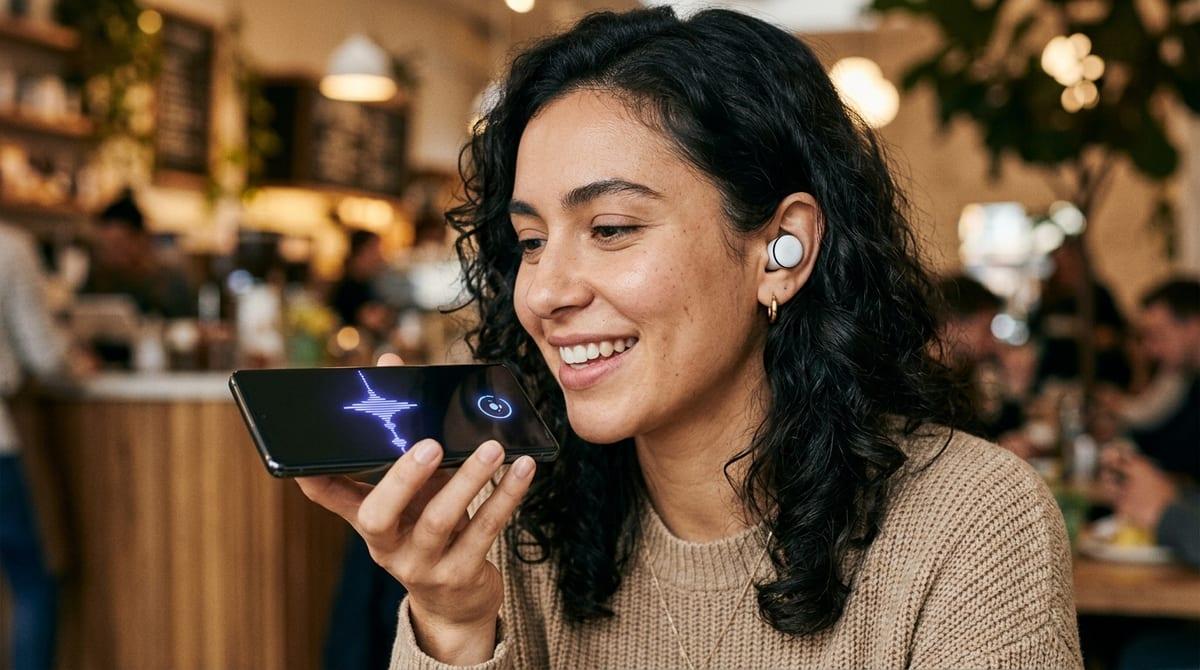
That hybrid split also exposes a blunt truth: sometimes the fastest path is changing what happens in the first second, not shaving milliseconds off inference. In voice, streaming partial text (or a short “got it” earcon) can keep turn-taking intact even if the full answer takes longer. In vision, snapping the overlay to the camera frame and updating labels a beat later feels better than a perfectly accurate label that arrives late and “sticks” to the wrong spot.
If the moment is a tap, you can move work earlier. Pre-warm the session, cache the last known state, or precompute the top candidates before the user opens the screen. If the moment is safety or fraud, you can change the flow: hold completion for a quick local check, then run deeper cloud review after. That may lower conversion or add user friction, so you’ll need a clear rule for when you block.
A latency plan you can defend in planning and measure in production
That “measure the same way” part is where most plans fall apart: you ship with a target, but you only log model time and wonder why users still feel pauses. Write the plan as one end-to-end promise tied to a moment (“voice turn: first audible response in 600 ms at p95”), then list the budget for each link in the chain and what happens when a link misses (degrade, skip, fall back, or block).
In production, instrument timestamps at each boundary: device capture end, request sent, server received, queue start/end, inference start/end, response received, first pixel/audio rendered. Track p50/p95/p99, not just averages. Expect pain: adding this telemetry takes engineering time, and sampling too much can raise cost and even add delay. The payoff is you can argue from traces, not opinions, when the next model swap lands.