When every decision feels “high-stakes” (and it probably isn’t)
On a normal Tuesday, you can end up treating a small choice—like which dashboard to trust or what to ship this sprint—like it could blow up your quarter. It happens when every decision comes with more inputs than you can hold in your head: numbers, Slack threads, stakeholder “must-haves,” and last week’s priority change.
When the cost of being wrong feels huge, people either stall or grab the loudest opinion and move on. Neither is great. Adding AI at this point can make it worse if it produces confident answers you can’t defend in a meeting.
The first step is separating what’s truly complex from what’s just noisy, so you know where help would actually reduce risk.
Is this decision complex—or just overloaded with opinions and updates?
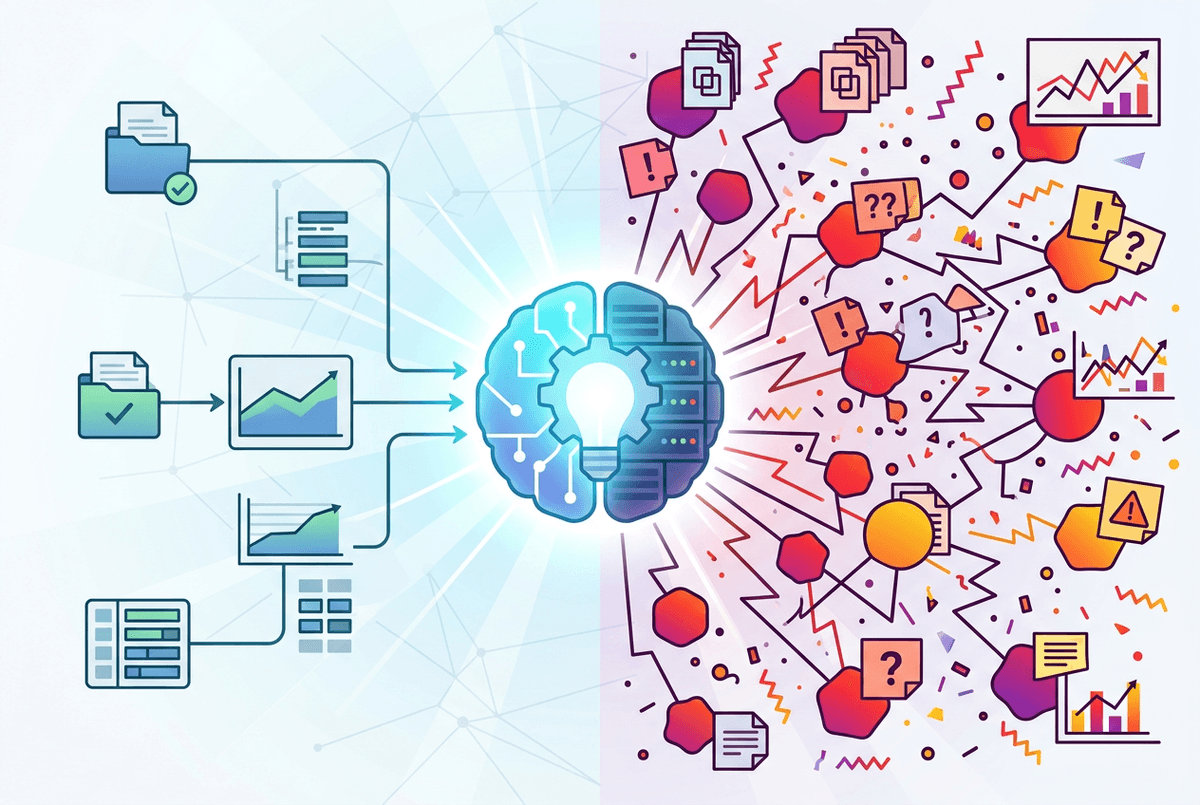
That noise often looks like complexity because it keeps changing. A pricing tweak, a headcount move, a QBR slide—suddenly five people have five “latest” versions, and you’re trying to reconcile them in real time.
A decision is genuinely complex when the parts interact and the outcome depends on second-order effects. If you change one input and it ripples into two other teams’ work, that’s real complexity. A decision is mostly overloaded when the core logic is stable, but the surrounding chatter isn’t—duplicate docs, stale metrics, scattered exceptions, and opinions that don’t share the same assumptions.
AI can help more with overload than complexity at first: dedupe updates, summarize threads with named owners and dates, and list what actually changed since last week. The constraint is you still need a “source of truth.” If your inputs are inconsistent, the output will be a cleaner version of the same disagreement.
Start with low-drama wins: where AI removes drag without making calls for you
That “source of truth” problem is exactly why your first AI wins should be boring. The safest place to start is work that slows decisions down without actually making them: turning five messy inputs into one clean brief, or pulling action items out of a long thread so you can assign owners and move.
In practice, this looks like using AI to: summarize a week of Slack with dates and open questions; compare two versions of a doc and list what changed; cluster customer feedback into repeated themes; or draft a one-page decision memo from your notes. If the AI is wrong, you lose minutes—not credibility. You still make the call.
Someone has to define the inputs (“use this doc, not that screenshot”), and someone has to sanity-check the output before it circulates. Once you can trust the hygiene work, you’re ready to ask for analysis—not answers.
A ‘helpful’ answer you can’t explain is still a problem

As soon as you ask for analysis, the AI will often give you something that sounds like a decision: “prioritize X,” “cut Y,” “delay Z.” In the moment, that can feel like relief—until someone asks, “Why?” and you can’t point to the inputs, the assumptions, or what it ignored. A helpful answer that can’t survive a basic follow-up question turns into meeting debt. You spend the next hour reverse-engineering what you just shared.
So treat every output like a draft you must be able to defend. If it recommends a path, require it to list the evidence it used (with links or quotes), the assumptions it made (like “demand stays flat” or “support can absorb tickets”), and the alternatives it ruled out. If it can’t do that, downgrade the task: use it for organizing, not recommending.
Getting explainable outputs takes tighter prompts, cleaner inputs, and time to verify—especially when the model confidently fills gaps. Once you can consistently trace “answer → reasoning → sources,” scenario work becomes worth attempting.
Where AI actually helps with complexity: scenarios, tradeoffs, and second-order effects
Once you can trace “answer → reasoning → sources,” the next thing that usually happens is you stop asking for a single recommendation and start asking, “What changes if we pick A instead of B?” That’s where AI can help with real complexity: laying out scenarios, surfacing tradeoffs, and flagging second-order effects that are easy to miss when you’re staring at one team’s metrics.
Use it like a structured analyst. Give it a few options (ship now, ship with a limited rollout, delay two weeks), your constraints (support capacity, SLA risk, revenue target), and ask it to map impacts by team and by week. Then force comparisons: “What breaks first in each option?” “What assumptions drive the difference?” “What would we monitor to know we’re wrong?” If a change in onboarding increases sign-ups but also raises tickets, spell out who absorbs that load and what gets dropped.
If you feed it vague goals and last quarter’s numbers, it will produce crisp scenario tables built on guesswork. That’s when confidentiality and compliance start to matter, because you’ll want better data to make the scenarios real.
The moment compliance and confidentiality show up, your options narrow fast
That’s usually the point where someone says, “Okay, so can we paste in the real numbers?”—and suddenly your tool choice matters more than your prompt. The moment you include customer data, employee details, contracts, roadmap dates, or security findings, you’re no longer testing a writing helper. You’re handling regulated or sensitive information, and your options narrow fast.
In practice, you need clear answers to basic questions: where the data goes, whether it’s stored, who can access it, and whether it’s used to train anything later. You’ll also need controls that match how work happens—SSO, role-based access, audit logs, retention settings, and a way to keep “public” and “restricted” work separate. If your team can’t easily follow the rules, they won’t, and you’ll end up with screenshots and copy-pastes in places you can’t track.
This is where “pick one use case” stops being a productivity tip and becomes a risk boundary.
Pick one first use case—and define ‘done’ before you automate confusion
That risk boundary is easiest to enforce when you choose one narrow use case and make it routine. Don’t start with “decision-making.” Start with something like: “turn weekly intake into a two-page brief with owners, dates, and open questions,” using only approved inputs in approved tools.
Then define “done” in plain checks: the brief cites the source docs, flags missing data, and matches a human spot-check on five key facts. Also define what “not done” looks like: no recommendations, no new numbers, no claims without a link. The real catch is time—someone must review outputs until the habit sticks.